
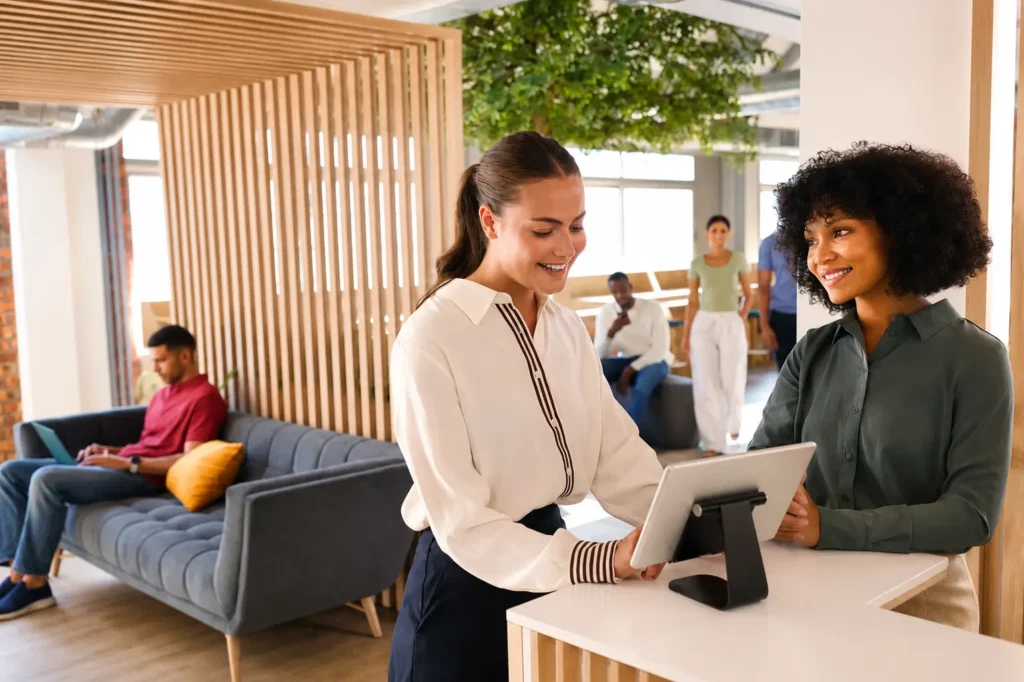
The strongest front desk model is not entirely in-person, automated, or remote. It combines automation for routine work with people for moments that require human support.
When we first started working with healthcare practices, the problem seemed straightforward: clinics were struggling to hire and retain front desk employees.
That remains a major challenge. But after working with hundreds of practices, I believe staffing is only part of the issue. The bigger problem is the traditional front desk model.
We think of the front desk as a physical station. In reality, it is a collection of workflows: greeting patients, confirming appointments, collecting forms and payments, answering questions, scheduling visits, and helping when something goes wrong.
That model made sense when information lived on paper and most interactions happened in person. It makes much less sense today.
Stop Designing the Front Desk Around a Chair
The traditional front desk creates a natural bottleneck.
A receptionist may be checking in one patient while the phone rings, another needs to schedule visits, and a clinician has an insurance question. Workload also varies by clinic and time of day, making coverage difficult for multi-location practices.
The usual answer is to hire more people. But placing another full-time employee in every clinic is expensive and does not fix the underlying model.
The better question is not, “How many people should sit at each front desk?” It is, “What work needs to be completed, and what is the best way to complete it?”
Automate Routine Front Desk Workflows
Most patient arrivals are predictable: identify the patient, confirm the appointment, complete outstanding forms, handle payment, and mark the patient as arrived.
When those steps can be completed digitally, a patient should not need an employee to guide every action.
The goal is not simply to put a screen in the waiting room. A disconnected kiosk can become another system for staff to manage. Employees may still need to look up appointments, transfer documents, enter payments, or update the EMR.
That moves the work without eliminating it.
Effective automation should complete the routine workflow and communicate with the practice’s system of record without duplicate entry between systems.
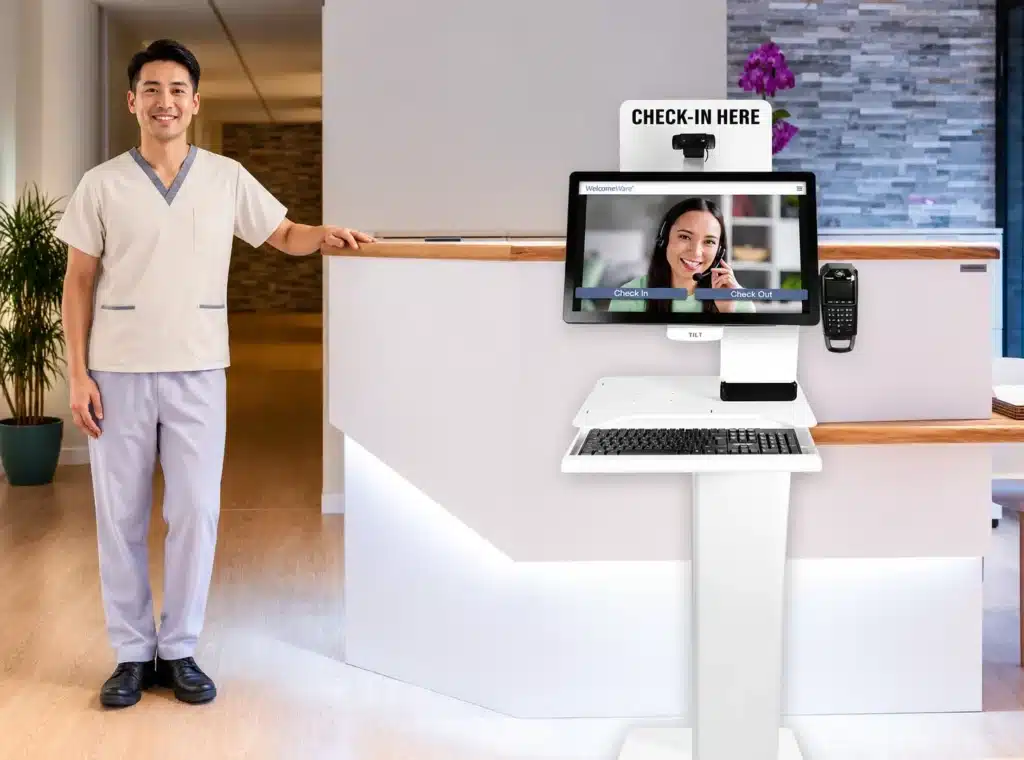
Keep Staff for Moments That Need Human Judgment
Not every patient will follow the standard path.
Someone may have a question, updated insurance information, or discomfort with self-service technology. Those moments are not failures of automation. They are why the human component remains essential.
The goal is not to remove people from the front desk. It is to stop trapping good employees in repetitive work that software can handle.
When routine steps are automated, receptionists can focus on work requiring judgment, empathy, and communication. When they can assist remotely, practices are no longer limited by who is physically sitting in one clinic.
A remote receptionist can appear face-to-face through video, resolve an exception, and then assist another location. Practices can centralize coverage and respond more effectively to changing demand.
Technology handles the volume. People handle the variability.
The Three Layers of a Modern Front Office
A modern front desk can be designed across three connected layers.
- Before the Visit
Patients can complete registration, provide documents, and resolve outstanding items from home. This reduces surprises and gives staff time to address incomplete information before it causes a delay. - At the Clinic
The system should recognize what has already been completed and ask only for what remains. Check-in should be quick and update the practice’s primary system without creating more work. - Live Support When Needed
When a patient cannot complete the process independently, a person should be readily available. That person does not need to be sitting ten feet away. A remote receptionist can appear on-screen, answer questions, and guide the patient through the workflow. The result is a front desk that is both efficient and personal — not one or the other.
Why Integration With Your EMR Makes the Model Work
Clinics already use many technologies. The answer is rarely to place another isolated tool beside the EMR and ask employees to manage the gap.
The front desk becomes more efficient when the patient-facing workflow and operational system are connected. That is the importance of the work Raintree and WelcomeWare are doing together.
Raintree remains the operational system of record. WelcomeWare extends that workflow into the clinic through patient-facing check-in, document capture, payments, and live remote assistance.
Instead of staff moving information between systems, Raintree data can guide the patient experience and completed information can return to the appropriate workflow. This creates a connected operating model for the front office.
Read more: Raintree’s Chief Strategy Officer, Sarina Richard, shared why the two teams partnered on the WelcomeWare blog.
What Front Office Automation Means for Multi-Location Practices
For a single clinic, this model can reduce congestion and make coverage more dependable. For a multi-location organization, the implications are even greater.
Practices can create consistent processes without staffing every clinic identically. Centralized teams can support multiple offices, new clinics can open without rebuilding the traditional front desk, and remote work can support retention. In-clinic staff can focus on work that benefits from their presence.
Most importantly, practices gain choices.
One clinic may use self-service while keeping an employee nearby. Another may centralize receptionists across several locations. Some may use virtual team members to supplement existing staff. Others may combine all three approaches.
The model will not look identical for every organization. The principle is the same: staffing and technology should be organized around the work, not around a physical desk.
Protecting the Human Patient Experience
There is an understandable concern that automation will make healthcare feel less personal. Poorly implemented technology certainly can.
But physical presence alone does not create a personal experience. A receptionist answering calls, entering information, collecting payments, and helping several patients may have little capacity for a thoughtful interaction.
Automation should remove repetitive steps. Integration should eliminate duplicate work. Remote service should make a qualified person available when needed.
The result is not a front desk without people. It is a front desk where people have more time to be helpful.
Staffing and technology should be organized around the work, not around a physical desk.
The Front Desk of the Future
The front desk of the future is a connected system that begins before the appointment, continues through the patient’s arrival, and provides the right level of support throughout the process.
It uses automation wherever the path is predictable, introduces a person wherever judgment or reassurance is needed, and keeps the workflow connected to the practice’s core operating platform.
That is the model WelcomeWare and Raintree have built together: automation when possible, live support when needed, and a connected experience from beginning to end.

Jeremy Hurewitz is President of WelcomeWare, a front desk technology and staffing company serving physical therapy and other outpatient healthcare organizations. WelcomeWare helps practices modernize patient check-in and front office operations through interactive kiosks, seamless intake forms, and remote administrative staff.